Page 1 of 1
Cannot post pictures
Posted: Tue Jan 27, 2015 1:10 am
by benush26
For the last couple days I've tried to post a picture but no luck.
Is everyone else having success?
I select and upload but when I try to add it, the browser does a refresh, but no picture.
Question along the same line. I was trying to send a picture via a PM but could not find a way to add it from my computer. Has then been done in the past?
Thanks.
Be well,
Ben
Re: Cannot post pictures
Posted: Tue Jan 27, 2015 1:44 am
by rpd
benush26 wrote:For the last couple days I've tried to post a picture but no luck.
Is everyone else having success?
I select and upload but when I try to add it, the browser does a refresh, but no picture.
Question along the same line. I was trying to send a picture via a PM but could not find a way to add it from my computer. Has then been done in the past?
Thanks.
Be well,
Ben
Test
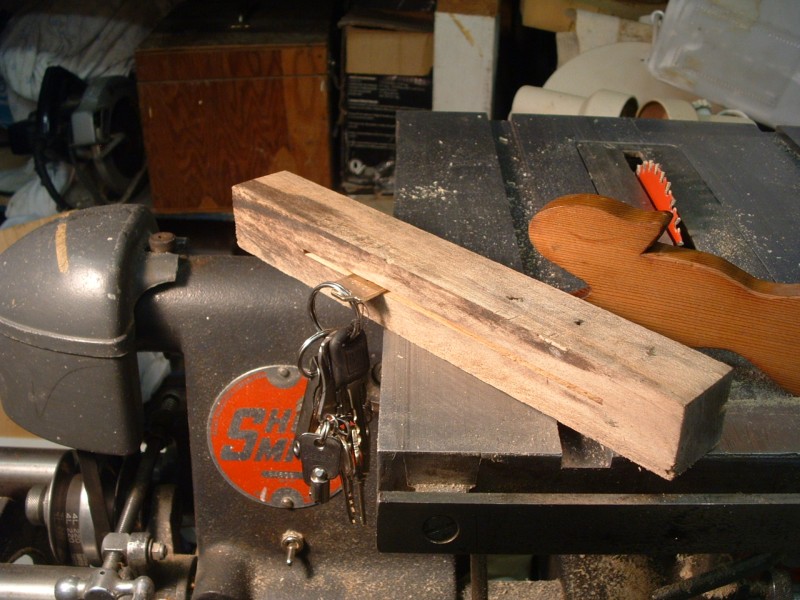
- holder with keys.JPG (124.15 KiB) Viewed 483 times
It's working for me.
Do not use the
img button, I think that is to link to a picture hosted on a different site.
Upload the picture/s in the
Upload attachment section below the editor.
Place the cursor where you want the picture to appear
Select the picture file you want to appear there on the
Attachments: line directly below the
Message body: window
Click on the
Place inline button
Re: Cannot post pictures
Posted: Tue Jan 27, 2015 1:33 pm
by benush26
My favorite character is the scarecrow from the Wizard of Oz... If I only had a brain!!!

I finally looked at some of the message after trying to post. It said the image was too large. Sized it down and Voila!!
Thanks for the help!
Be well,
Ben
Re: Cannot post pictures
Posted: Tue Jan 27, 2015 2:06 pm
by JPG
benush26 wrote:My favorite character is the scarecrow from the Wizard of Oz... If I only had a brain!!!
I finally looked at some of the message after trying to post. It said the image was too large. Sized it down and Voila!!
Thanks for the help!
Be well,
Ben
If only the 'error message' were more obvious.
BTDT
