Page 1 of 1
Excel help please!
Posted: Thu May 04, 2017 5:11 pm
by mbcabinetmaker
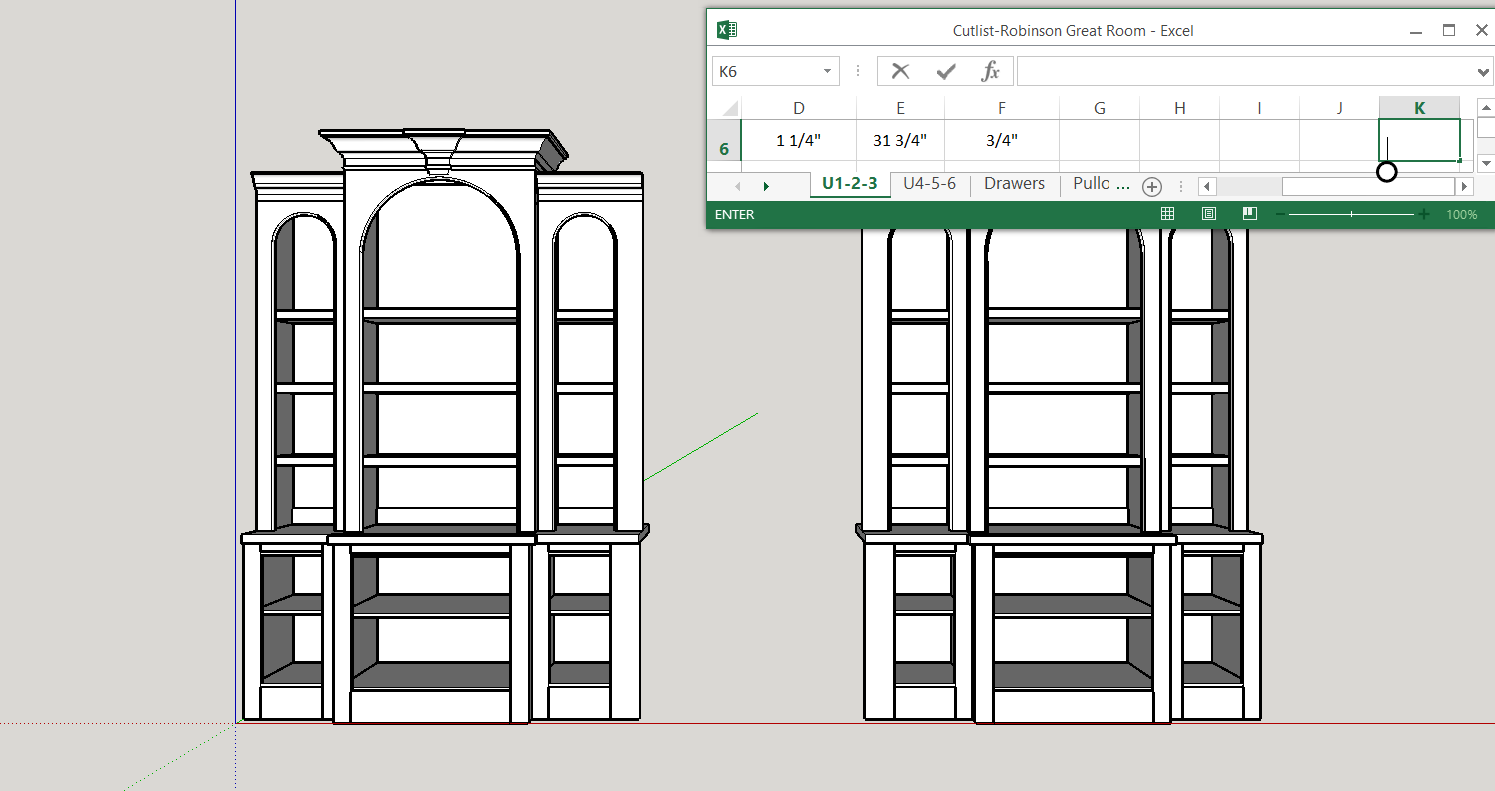
I have excel 2013 and windows 10. I would like to have my excel opened as a small window while using another program. I have no problem getting it to open and placing it where I want it but is there a way to lock it so that it doesn't go away as soon as I start using the other program? This is an example of what I am talking about.
- Capture.PNG (63.35 KiB) Viewed 4938 times
Re: Excel help please!
Posted: Thu May 04, 2017 6:01 pm
by br549
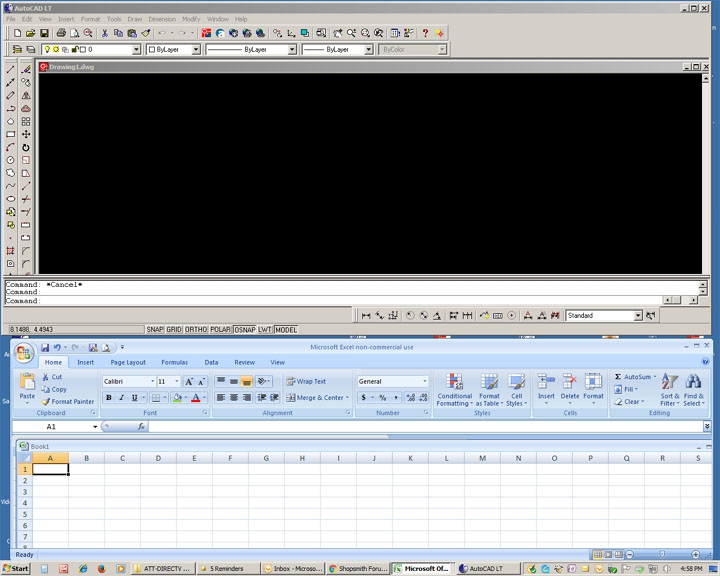
One way (and there may be others) would be to re-size the window of your drawing program to less than full screen, so that both the drawing program and Excel have their own space on your desktop. Clicking on either one will make it active. Granted, your drawing window will be smaller than you may prefer.
- 2 programs in separate windows.jpg (98.13 KiB) Viewed 4925 times
If you resize the drawing program just slightly smaller than full screen, so that at least part of the Excel window is visable, then you can click on either to make it active, and the Excel window will come to the front when it is active.
Re: Excel help please!
Posted: Thu May 04, 2017 6:08 pm
by JPG
Have the two programs overlap slightly so that you can click on a piece of the 'hidden' window from the active one. Not what you want, but a workaround.
Is there a way to force a window to always be 'on top' regardless of whether it is the 'active' window?
Re: Excel help please!
Posted: Thu May 04, 2017 7:57 pm
by reible
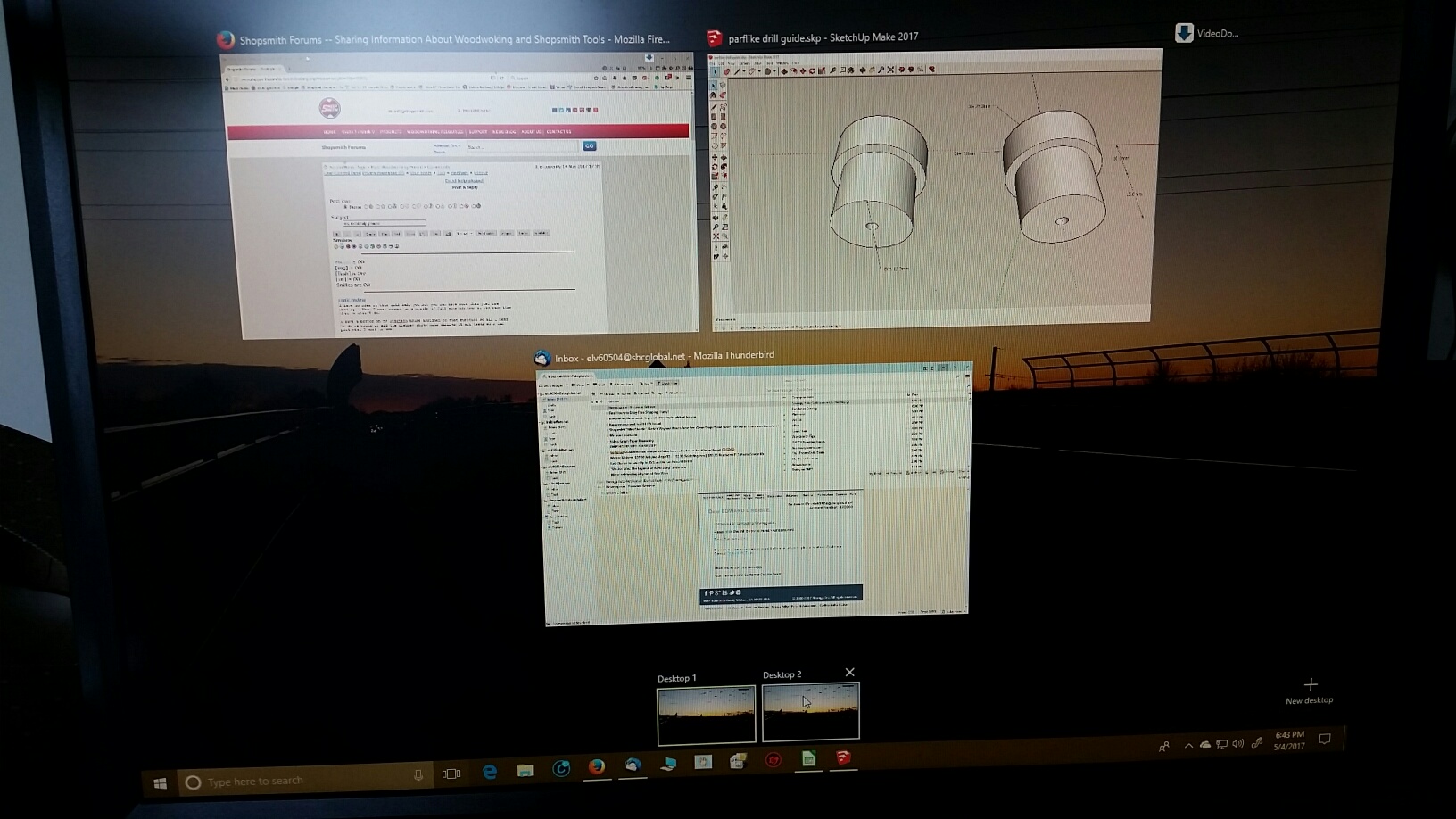
I have no idea if this will help you but you can have more then just one desktop. When I want access to a couple of full size windows at the same time that is what I do.
I have a button on my logitech mouse assigned to that function so all I need to do is click it and the display shows mini windows of all tasks so I can pick what I want to see.
It looks like this:
- 20170504_184347_resized.jpg (329.92 KiB) Viewed 4907 times
I click on the one I want and it goes full screen.
You can also use the ALT + TAB feature.........
Others have mentioned a few other ideas so I will not add to those.
Ed
Re: Excel help please!
Posted: Thu May 04, 2017 11:15 pm
by claimdude
Re: Excel help please!
Posted: Fri May 05, 2017 7:02 am
by mbcabinetmaker
Thanks Jack but I don't get the box when I hold down alt and f11.
I have used the split screen before but it takes up to much of the screen on my laptop and I really don't want to go to a larger monitor.