Page 2 of 4
Re: Still Working on Image Presentation
Posted: Tue Dec 02, 2014 6:44 pm
by JPG
dusty wrote:I can not explain that. Is there a limit imposed by the iPad.
Does this work. This image is larger yet.
Well, I thought it was. The maximum, btw, is 1920 x 1080. I was so informed when I tried to post something larger.
That is increased from last night.
The cropping(width) when displayed seems to be dependent upon the size of
your forum window.
Re: Still Working on Image Presentation
Posted: Tue Dec 02, 2014 11:39 pm
by shipwright
Thanks for the " inline image" tip. I had the problem on my table saw sled post. All the pics were at the bottom and out of order. Now they are all fixed and in the right places. ..... but they are bigger than I expected. :-)
Re: Still Working on Image Presentation
Posted: Wed Dec 03, 2014 6:48 am
by dusty
JPG wrote:dusty wrote:I can not explain that. Is there a limit imposed by the iPad.
Does this work. This image is larger yet.
Well, I thought it was. The maximum, btw, is 1920 x 1080. I was so informed when I tried to post something larger.
That is increased from last night.
The cropping(width) when displayed seems to be dependent upon the size of your forum window.
I do not understand what you are saying. Do I have any control over "the size of my forum window"? You seem to be saying that our forum windows are not all the same size. If they are not, what/who alters them?
Re: Still Working on Image Presentation
Posted: Wed Dec 03, 2014 7:02 am
by dusty
For forum purposes, I am not certain that larger is better. I also do not believe that I have full control over the size of an image stored on my computer. One of the following images was resized to be the maximum allowed here but it is not.
Photo Display Differences: Prosilver v. Shopsmith 1
Posted: Wed Dec 03, 2014 7:06 am
by algale
To add further to the confusion, I believe that one of the many differences between viewing the new forum using the Prosilver view versus the Shopsmith1 view is photo display. In Shopsmith1 I think the full photo is displaying. In Prosilver, I have to scroll the photo or click on it.
Re: Still Working on Image Presentation
Posted: Wed Dec 03, 2014 7:34 am
by dusty
algale: Yes, I believe you are correct. I had not toggled back and forth for specific comparisons until now. This has made up my mind. ProSilver is my option of choice.
PS: ProSilver resolves the word wrap issue as well and explains why I had not experienced the word wrap issue. I changed to ProSilver as soon as I discovered it because it is less glaring (not so much white back ground).
Re: Still Working on Image Presentation
Posted: Wed Dec 03, 2014 8:02 am
by dusty
Now from the camera rather than Sketchup files.
Not what I wanted: [font=]
The attachment’s file size is too large, the maximum upload size is 2 MB.
Please note this is set in php.ini and cannot be overridden.[/font]
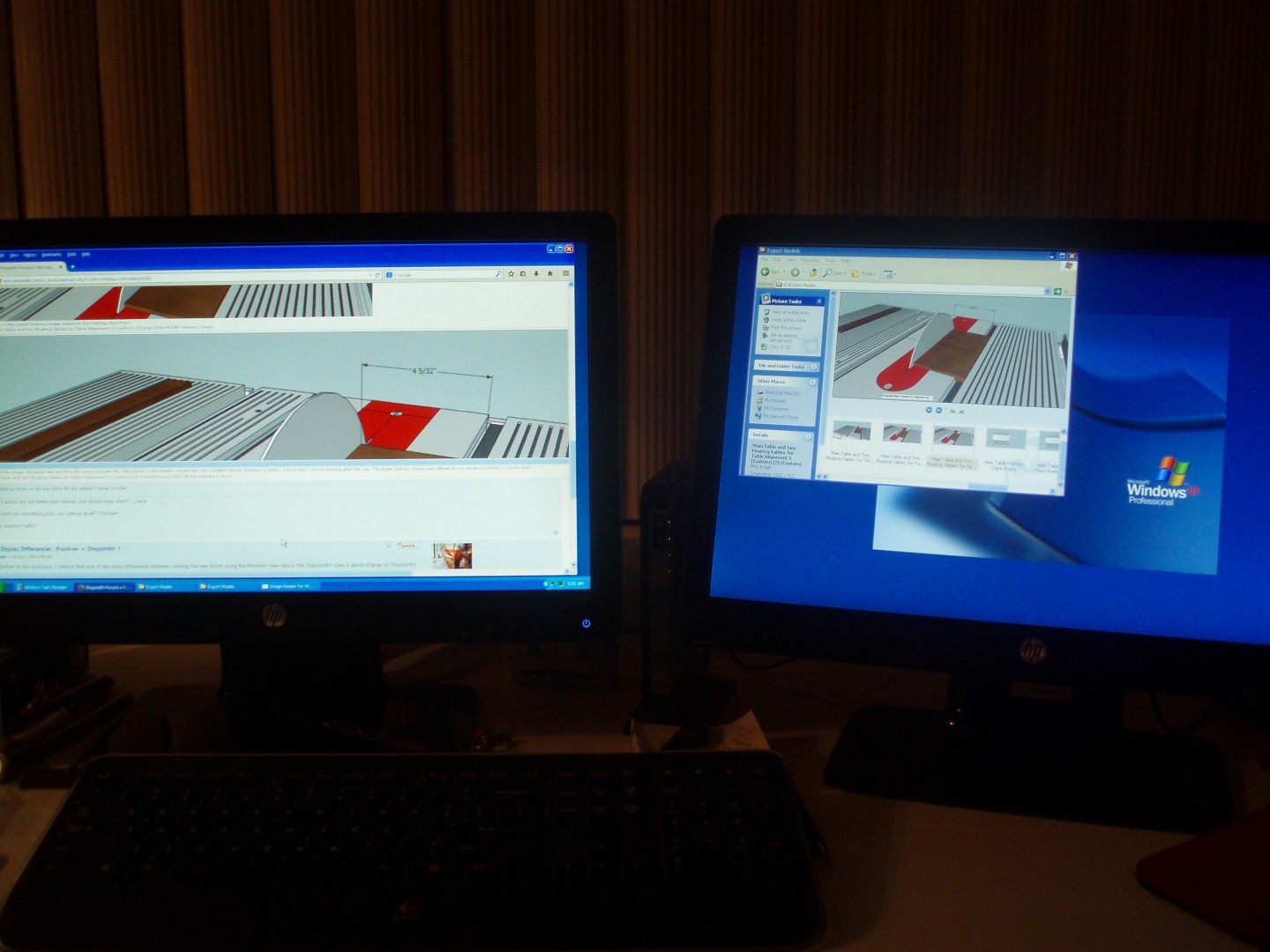
- Resolution Test (Custom).jpg (212.55 KiB) Viewed 1409 times
Re: Still Working on Image Presentation
Posted: Wed Dec 03, 2014 11:16 am
by JPG
Another wide view.

- GATLINBURG SCENIC (3).JPG (368.94 KiB) Viewed 1393 times
And Dusty blown up.

- big dusty.jpg (697.4 KiB) Viewed 1393 times
In Prosilver, the 'expanded' display truncates the same as the compressed with scroll bars. (Mozilla, 1388? display native resolution width, Win7)
In Shopsmith1 the scroll version is not displayed. Only a full height truncated width about the same as the width of the Prosilver truncateion.
That is now changed - it auto scales to fit the available screen space. Unless one has a very wide screen 1920 x ???? becomes too small to show fine detail. So keep that in mind with large pix!!!! Kudos Admin on doing it this way!!!!
So, if you want to see all the width, ya gotta use Prosilver and and peek through side vision blinders.
P.S. Dusty's pix enlarging software looks as good as mine.(irfanview + 'sharpening')
Re: Still Working on Image Presentation
Posted: Wed Dec 03, 2014 11:53 am
by joedw00
I wish the font would wrap so I could see all the message without having to scroll over, or the large size of the image would be reduced. I don't see the use of the image being so big that you have to scroll down to see all of it.
Re: Still Working on Image Presentation
Posted: Wed Dec 03, 2014 11:57 am
by JPG
Somewhere someone posted a 'comment' regarding 'auto sizing'. When I first read that, I did not understand.
After just using Irfanview, the light came on.
Regardless of ANY image resizing, screen resizing, the entire image is displayed within the window.
An advantage(?

) to that is blown up images still look good in a smaller window.(one gets surprised when displayed 'full' size

)
Question is, can that be done
from the server??????
I realize it may require a lot of effort, but that capability would eliminate all this thrashing re display of pix. Everyone gets a pix display they can live with without fiddling with it.
You there Admin?
